Xbox's Biggest Dashboard Update of 2026 Is Now Live
Custom color theming, 10 Home Groups, per-game Quick Resume toggles, and more — the April Xbox update is out for everyone.
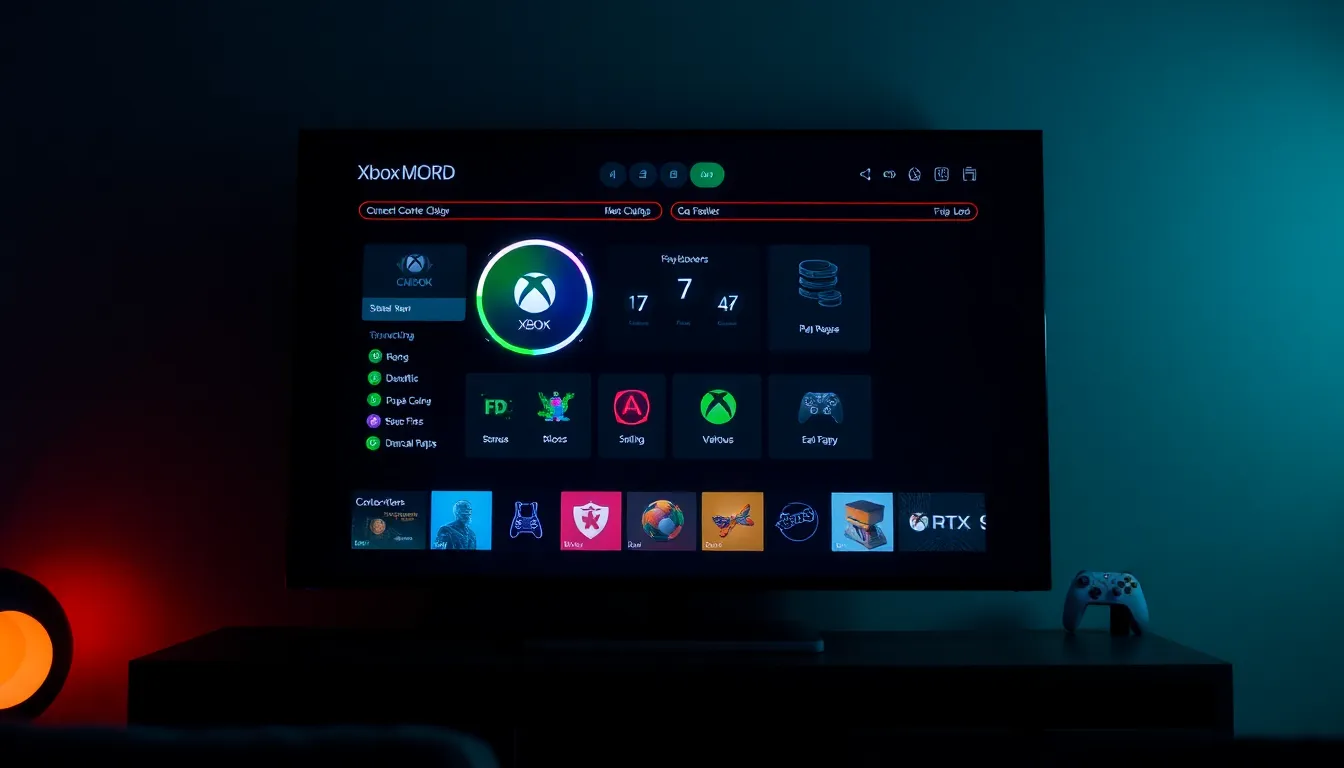
If you've been waiting for Xbox to seriously overhaul the dashboard experience, your wait is officially over. The April 2026 Xbox system update started rolling out April 30 — and this one's not just a bugfix patch. It's the biggest quality-of-life drop the console has seen all year.
Full RGB Color Theming Is Finally Here
The headliner feature: custom color sliders. You can now dial in any color you want for your dashboard accent — full RGB-style control, not just a preset palette. It's a small thing, but it's the kind of personalization that makes your console feel actually yours.
Pair that with wallpaper support that's been improving over the last few updates and the Xbox home screen is starting to feel like a genuinely personalized space instead of a generic storefront.
Home Groups Got a Major Upgrade
Xbox is bumping the Home Groups limit from 2 to 10. If you've got a big game library and like to organize things — by genre, by co-op games, by "what I'm currently playing" — this is a big deal. Two groups was never enough for anyone serious about their collection.
Quick Resume Gets a Per-Game Toggle
Quick Resume is one of Xbox Series X/S's best features, but it's also been one of its most complained-about ones. Some games don't play nice with it — you resume into a broken state, or the game just crashes outright.
Now you can disable Quick Resume on a per-game basis. No more nuking the feature entirely just because one title can't handle it. It's the fix fans have been asking for since launch, and it's finally here.
Xbox PC App Gets Non-Xbox Game Support
PC players got a long-requested feature too: you can now manually add non-Xbox games to your Xbox Library on the PC app. Steam games, Epic Games Library, GOG — whatever you've got installed — can now sit alongside your Game Pass titles in one unified library view.
It won't replace Playnite for power users, but for casual PC gamers who use Xbox Game Pass and want everything in one place, this is a welcome step.
How to Get the Update
The update is rolling out to all users — no Insider program required. If you haven't seen it yet, head to Settings → System → Updates and check manually. It should be there.
Bottom Line
This is the kind of update that doesn't make headlines but makes a real difference in day-to-day use. Custom colors, more Home Groups, smarter Quick Resume, and a more unified PC experience — Xbox is clearly listening to what its community actually wants. Go spend way too long picking your accent color. You've earned it.
Newsletter
Subscribe to Gamer Cave
Weekly digest. The best stories. No spam.